One Source. Twenty Outputs.
Upload any research source and instantly generate podcasts, flashcards, quizzes, mind maps, infographics, video overviews, and more. Every material is curriculum-aligned because it comes from what you actually teach.
Upload Your Sources
PDFs, YouTube videos, websites, documents — anything relevant to your unit.
Choose Your Output
Podcast, flashcards, quiz, mind map, infographic, report, video, or slides.
Share with Students
Download, print, or assign — materials aligned to what you actually teach.
Hear It. See It. Teach It.
Turn dense research into engaging audio and video your students will actually want to revisit. Upload a PDF about the water cycle, and minutes later your Grade 4 class has a podcast to listen to during quiet reading time.
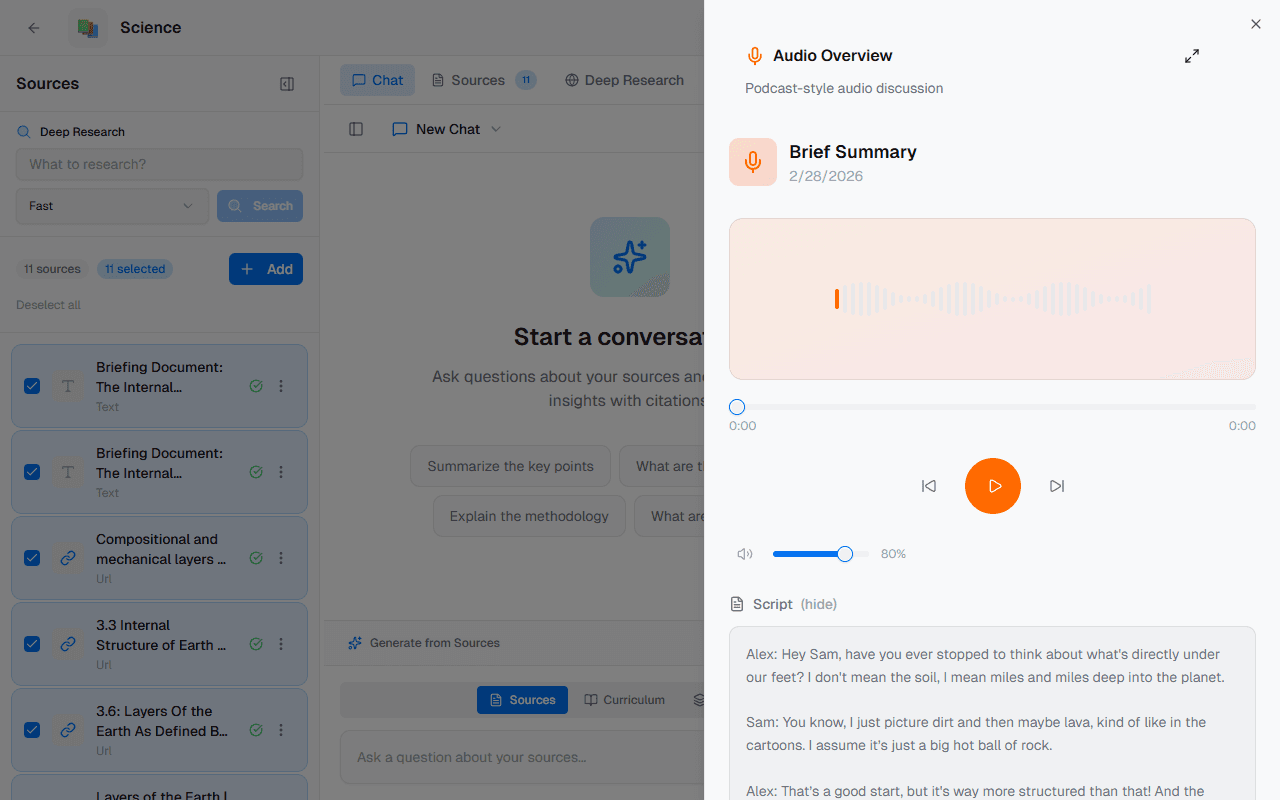
Audio Overviews
Four formats to choose from: deep dive, brief summary, critique, or debate. Each one presents your curriculum content in a conversational, listenable format.
Podcast Generator
Custom multi-voice narration with a 7-stage production pipeline. Full control over format, length, language, and focus — from 5-minute briefs to 30-minute deep dives.
Video Overviews
AI-generated video explainers in 9 art styles — whiteboard, watercolour, anime, heritage, kawaii, retro print, paper craft, and more.
Curriculum-Aligned Audio
Students hear your curriculum content explained, not a generic AI summary. Every audio and video is generated directly from the sources you uploaded.
Accessibility-First
Perfect for auditory learners, ELL students, IEP accommodations, or take-home review materials. Flipped classrooms and review stations made easy.
Student-Ready in Seconds
Generate a full set of study tools directly from the sources you've already gathered. Upload your Grade 6 Social Studies notes and get a complete study kit your students can use to prepare for the unit assessment.
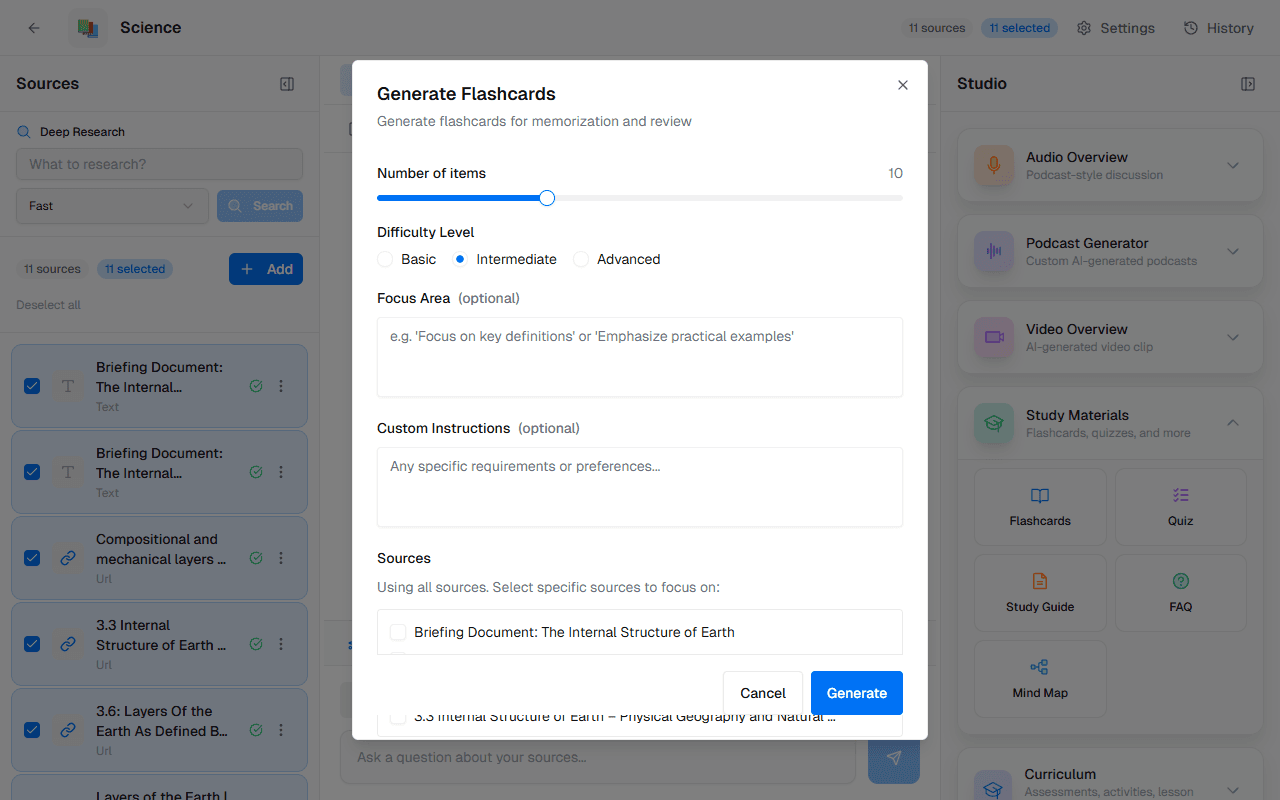
Flashcards
Interactive flip-card interface for vocabulary, key concepts, and curriculum terms. Students tap to reveal answers — perfect for self-study or classroom review games.
Quizzes
Auto-generated quizzes with adjustable difficulty — basic, intermediate, or advanced. Multiple choice and short answer, all sourced from your uploaded materials.
Mind Maps
Visual concept maps that show how ideas connect. Ideal for visual learners who need to see the relationships between topics, themes, and curriculum expectations.
Study Guides
Organised by topic with key takeaways from every source. Students get a structured overview of what they need to know, with citations back to the original material.
FAQ Documents
Answers the questions your students are most likely to ask. Generated from your sources so every answer is grounded in what you actually taught.
Source-Aligned Materials
Every study material is generated from your uploaded sources — not generic internet content. Students review exactly what you teach.
Present, Report, and Visualise
Transform your notebook sources into polished presentation materials without starting from scratch. Need an infographic for the hallway display, or a report for your principal? Done in minutes.
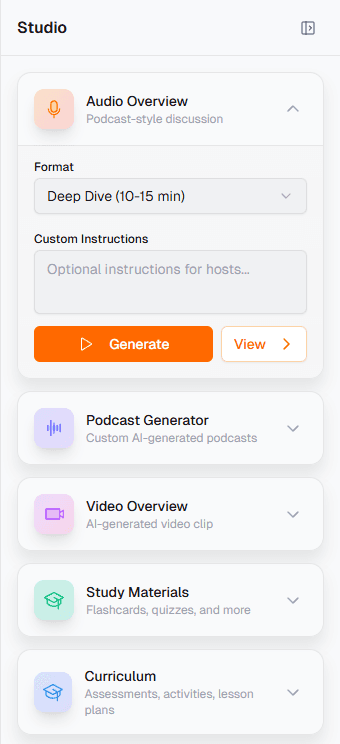
Reports
Briefing docs, study guides, blog posts, or fully custom reports. Complete with sections, citations, and structured analysis pulled from your notebook sources.
Infographics
Turn complex topics into visual summaries students can understand at a glance. Choose landscape, portrait, or square orientation with concise, standard, or detailed depth.
Slide Decks
Generated from your notebook sources — ready for the projector. Choose detailed deck or presenter-style slides. Short or full-length formats available.
Data Tables
Extract and structure information from PDFs, articles, and transcripts into clean, organised tables. Describe what you need and the AI builds it.
Save as Source
Save any generated output back as a notebook source. Build iteratively — create a report, save it, then generate flashcards from the report.
One-Off Artifacts, On Demand
Not every teaching moment needs a full unit plan. Need a one-off assessment for tomorrow's lesson? A learning task for the supply teacher? Generate standalone curriculum artifacts from your notebook sources.
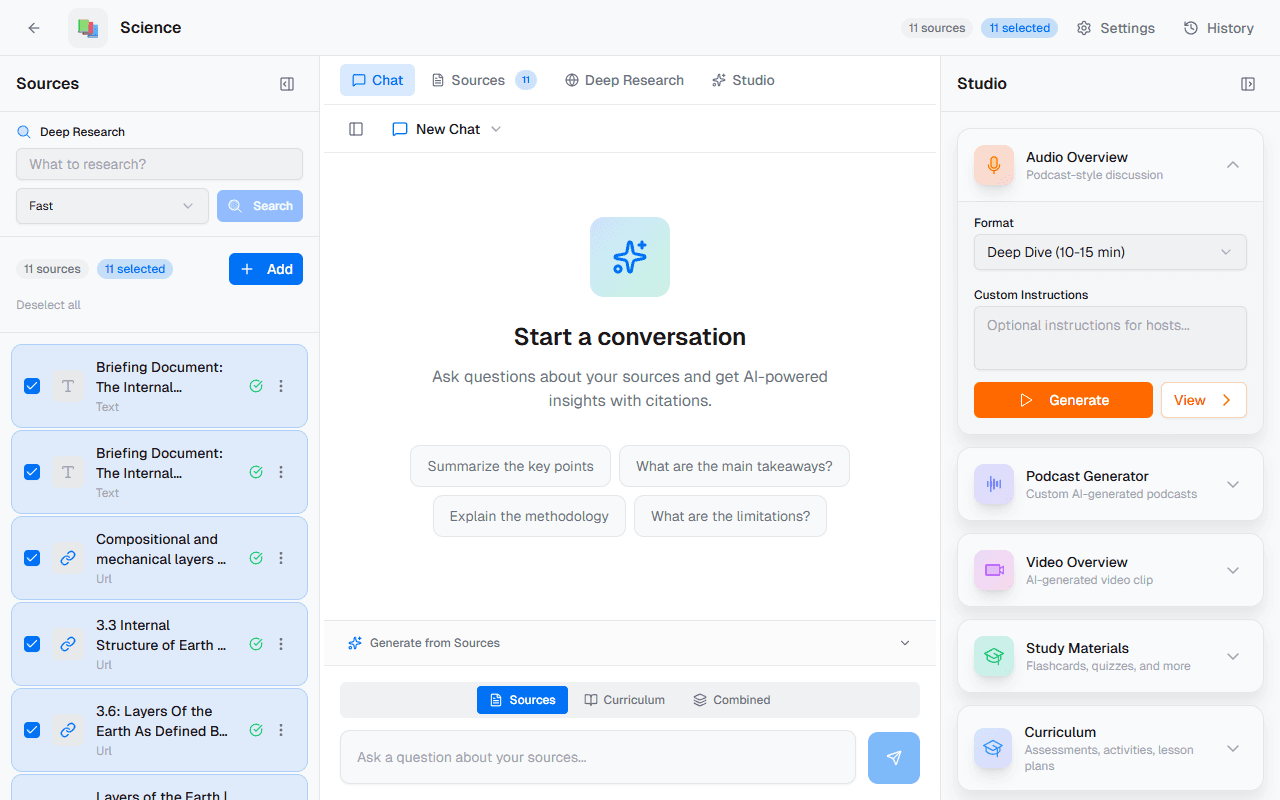
Standalone Assessments
Multiple choice, short answer, or essay — generated from any source in your notebook. Set the difficulty and format, download and distribute.
Lesson Plans
Individual lesson plans with objectives, activities, materials list, and timing. Generated from your sources so they connect to what students are actually learning.
Learning Tasks
Hands-on activity instructions with differentiation notes. Perfect for extension work, early finishers, or guided practice stations.
Source-Grounded
All artifacts reference your uploaded sources, not generic internet content. Every assessment question ties back to material you selected.
Unit Plan Companion
Complements the Unit Plan Builder — fill gaps in your unit with quick one-off materials. Coverage days, extension tasks, or that Monday morning scramble.
Research That Fuels Everything
Every Studio creation starts with sources. Upload PDFs, paste YouTube links, search the web, and chat with your research — all inside the notebook. The more you feed it, the better your outputs become.
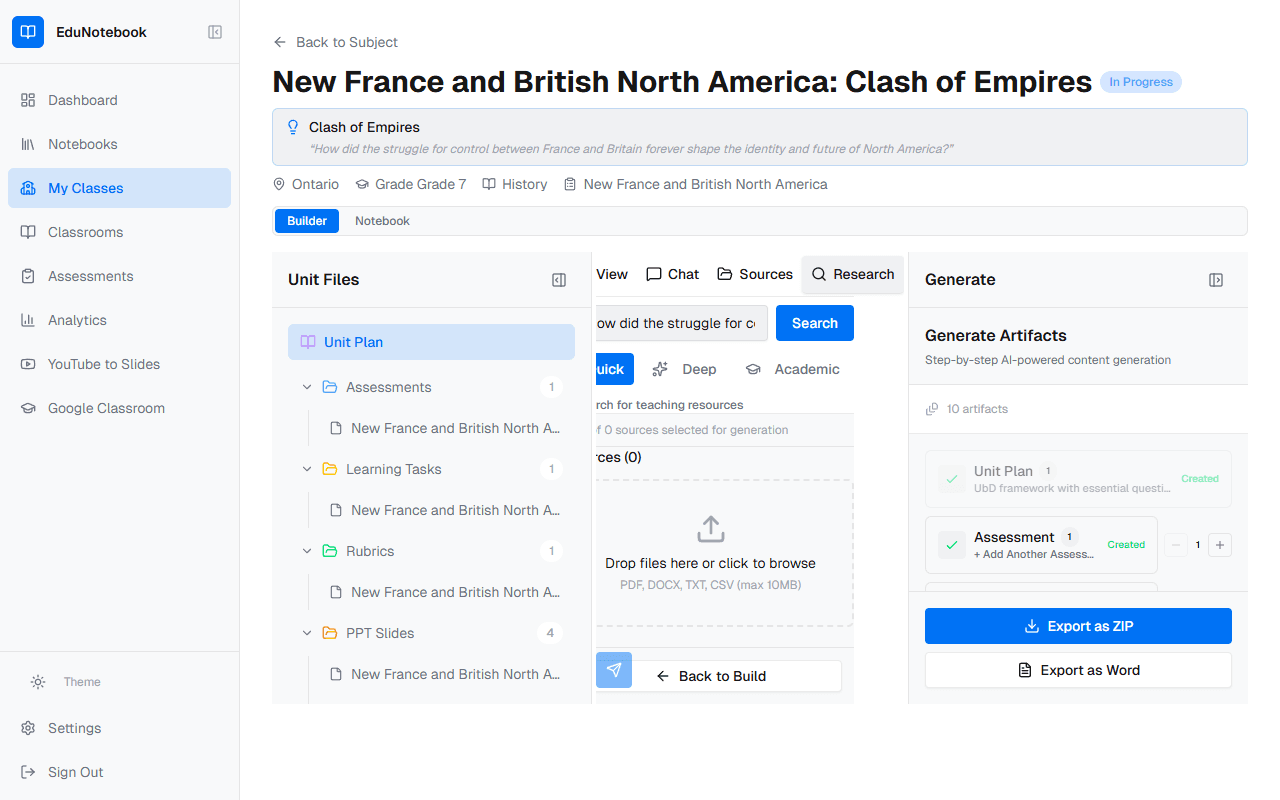
Multi-Format Upload
PDFs, DOCX, YouTube links, URLs, or plain text — all processed and indexed automatically. Drag and drop or paste a link.
Built-In Web Search
Powered by Perplexity AI with three modes: Quick (5 seconds), Deep (20 seconds with 40+ sources), and Academic (domain-filtered scholarly sources).
Chat with Sources
Ask questions about your sources and get answers with citations pointing to the exact paragraph. Like having a research assistant who read everything.
Save Notes
Save notes from chat responses with tags — build your knowledge base over time. Notes become part of your notebook context.
Universal Source Layer
Sources feed into every generation — flashcards, quizzes, podcasts, reports all draw from the same material. One research session, unlimited outputs.
Built for How Ontario Teachers Actually Work
Supply Teacher Prep
Generate a lesson plan and flashcard set from your unit sources. Leave meaningful, standards-aligned materials — not just a worksheet.
Differentiated Learning
Same content, multiple formats. A podcast for auditory learners, flashcards for visual, a mind map for conceptual thinkers. One upload, many outputs.
Parent Communication
Create a report or infographic summarising what students are learning this term. Share at curriculum night or attach to newsletters.
Assessment Prep
Generate a quiz and study guide from the same sources your assessment is built on. Students review exactly what they need to know.
Cross-Curricular Connections
Upload sources from Science and Language. Generate a podcast that connects both subjects — bring inquiry-based learning to life.
Professional Development
Upload a PD article or Ministry document. Generate a study guide, flashcards, and discussion FAQ for your team meeting.
Stop Recreating the Wheel Every Sunday Night
Upload your research, pick what you need, and let the Studio build it — so you can spend your time where it matters most: with your students. Free for every Ontario teacher.